Video with a pop-out window
Play video in an inline stage or detach it to its own always-available window with Ctrl+Shift+V, tuned to stay smooth on Linux.
Features
Local files, internet radio, podcasts, tracker modules, synced lyrics, tag editing, a real equaliser and classic skins — every subsystem from JahSing 2, rebuilt on a maintained stack.
JahSing 2 leaned on the long-dead Java Media Framework. JahSing 3 has a modern audio engine that decodes and plays on every platform: the same engine, byte-for-byte, on desktop and mobile.
Streams are first-class: a radio station or an imported web track becomes a normal track and flows through the same gapless queue as your local files.
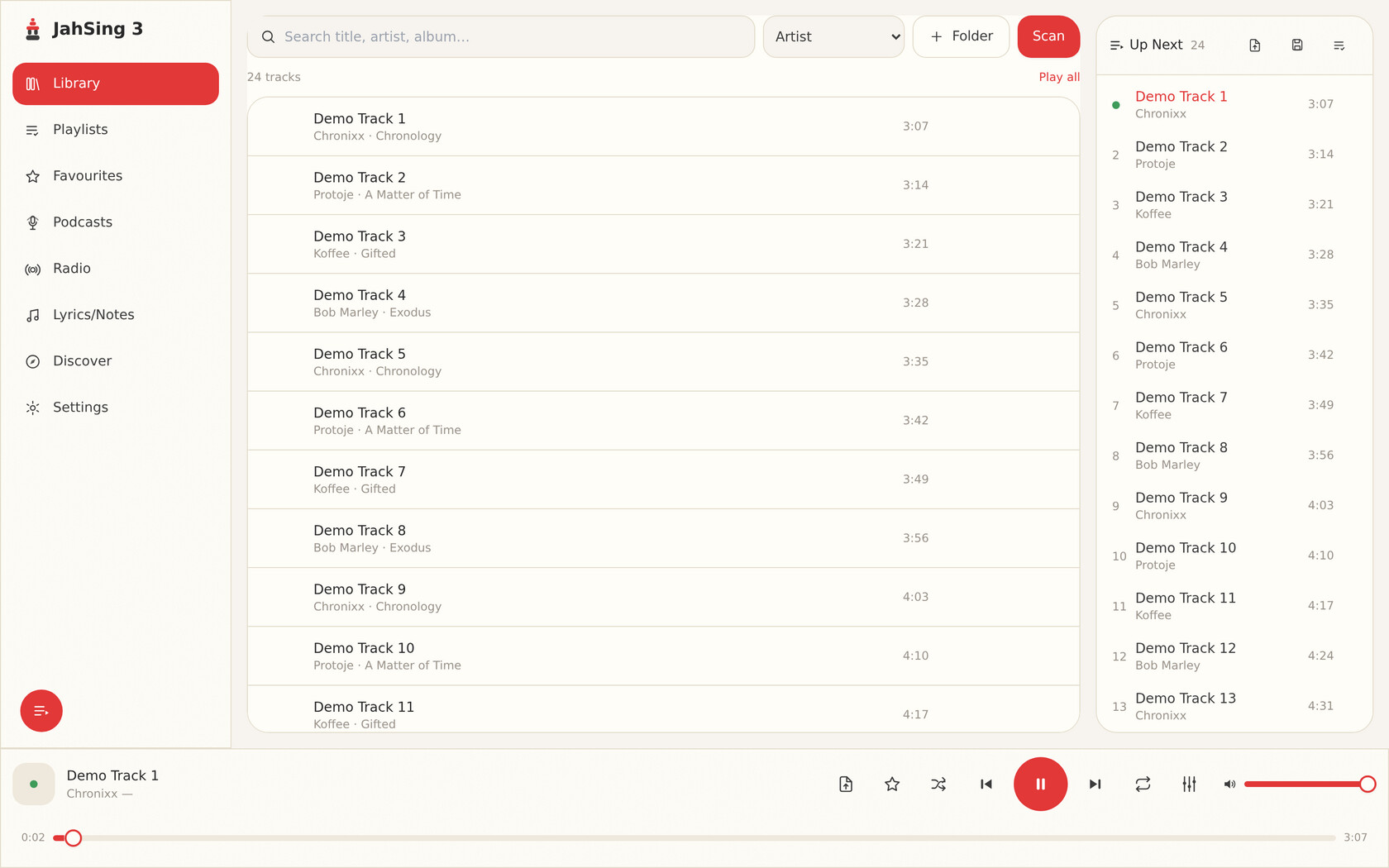
Point JahSing 3 at your folders once. It indexes everything into a local catalogue, then search, sort, filtering by source folder, playlists and favourites all query that index, with no re-scan on every launch.
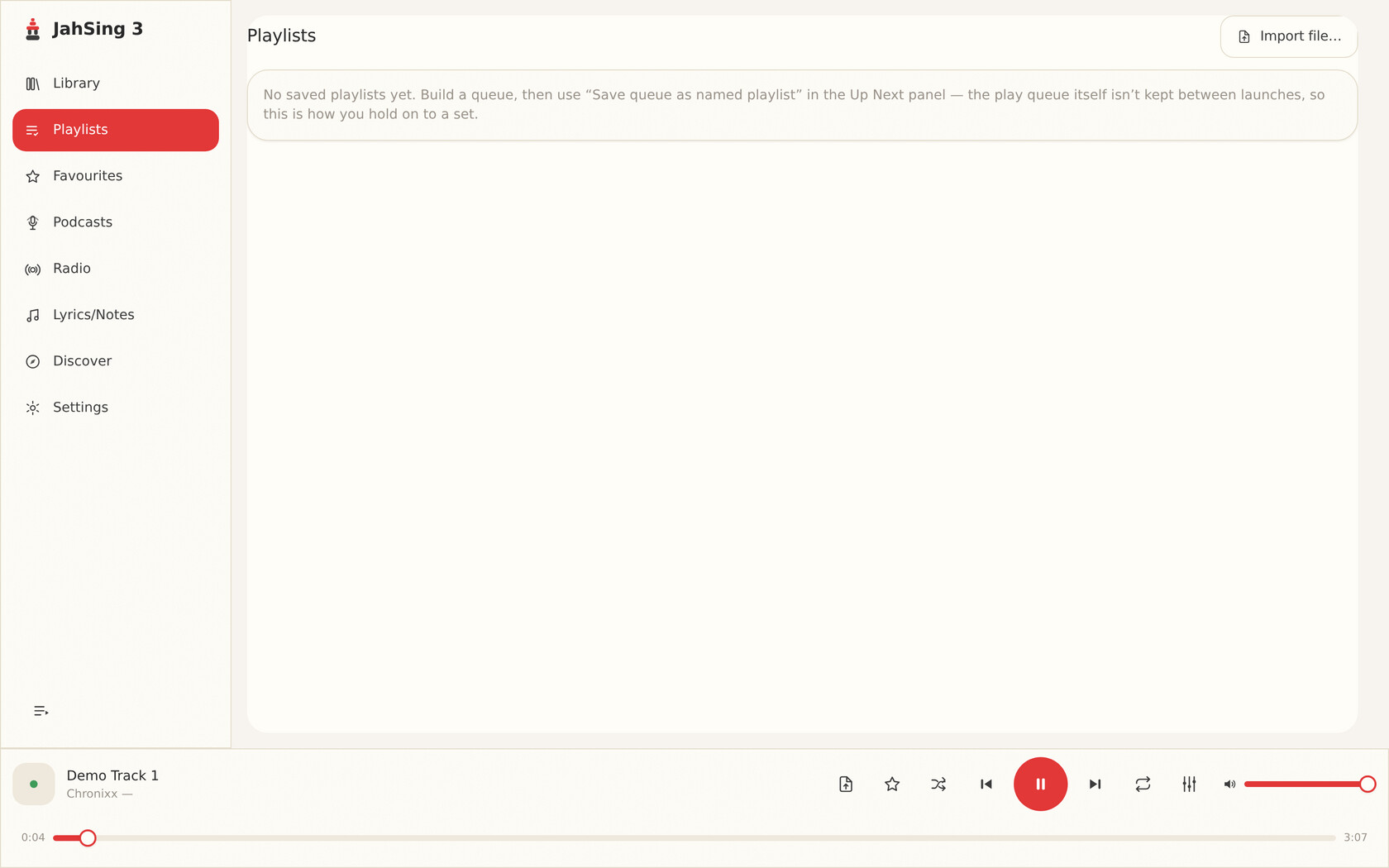
Playlists are real, persisted objects. Favourites are one keystroke. The queue is its own tested navigation module, not a mutable list bolted onto the UI.
Search the public radio-browser.info catalogue right inside the app. Play a station and JahSing 3 reads the station’s live metadata, so you get live “now playing” updates and the station bitrate.
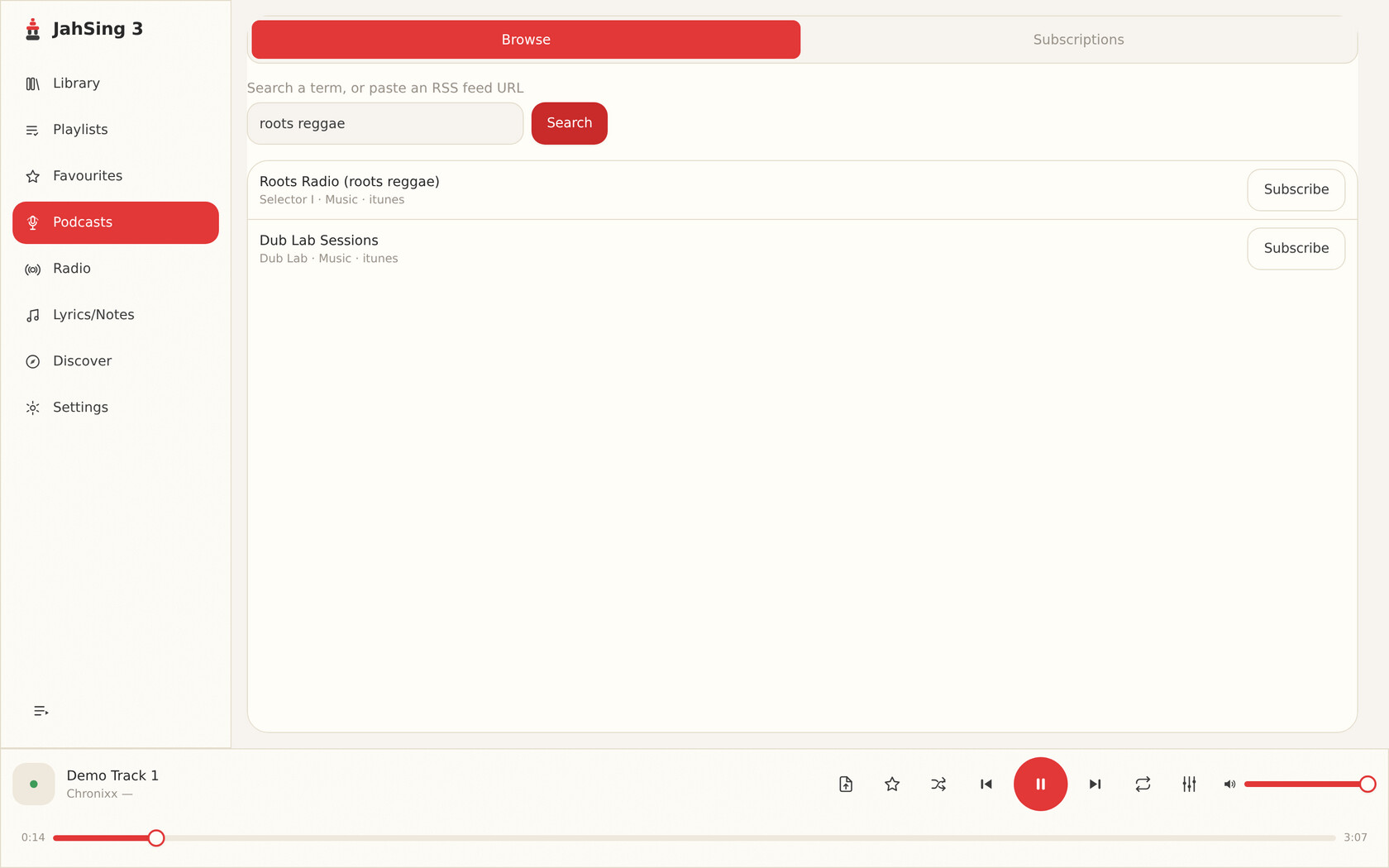
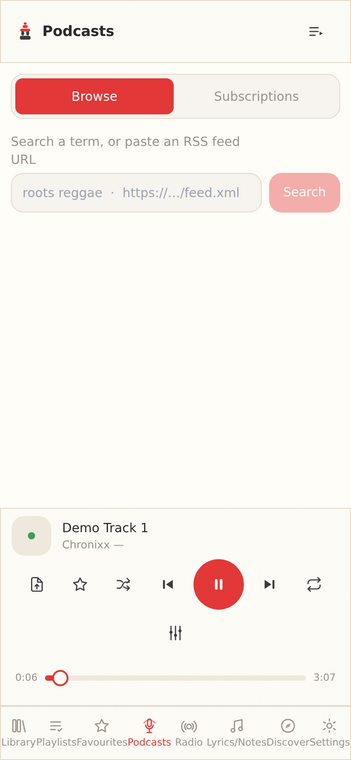
Podcasts work the same way: paste an RSS URL or search by name, preview the feed, and one click subscribes. Episodes play through the normal transport with resume position remembered.
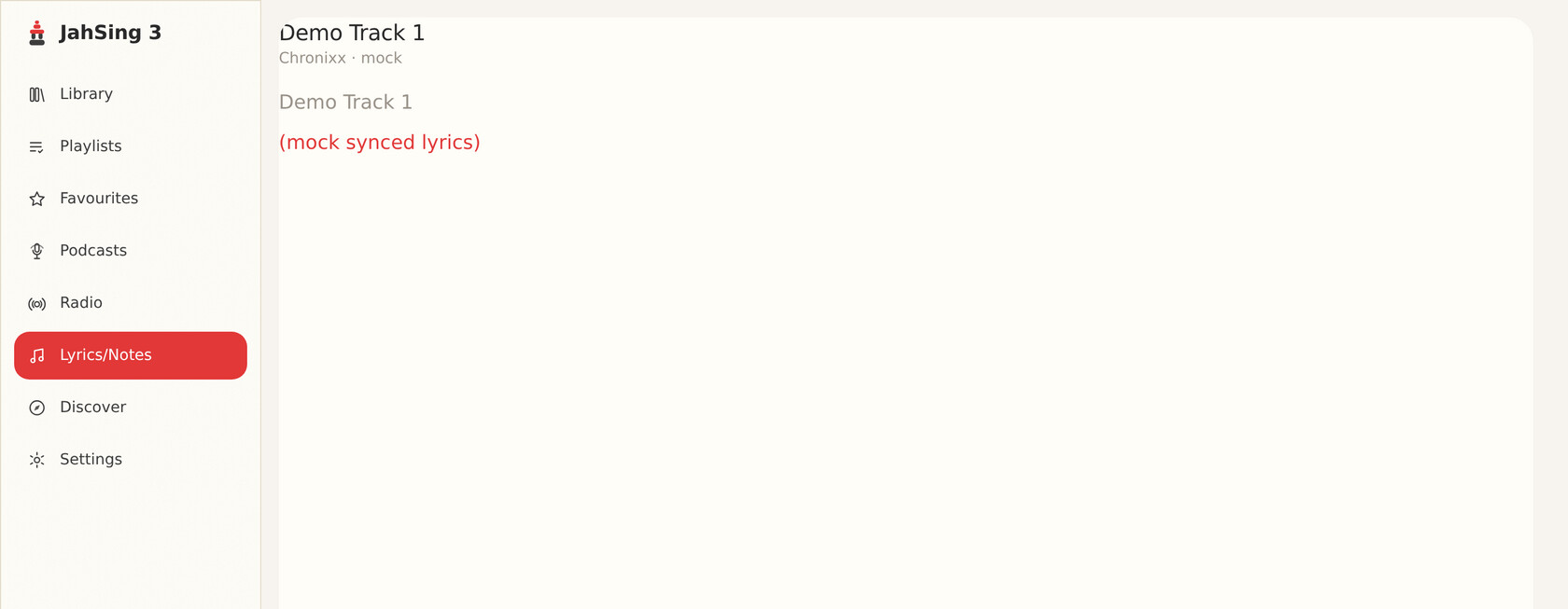
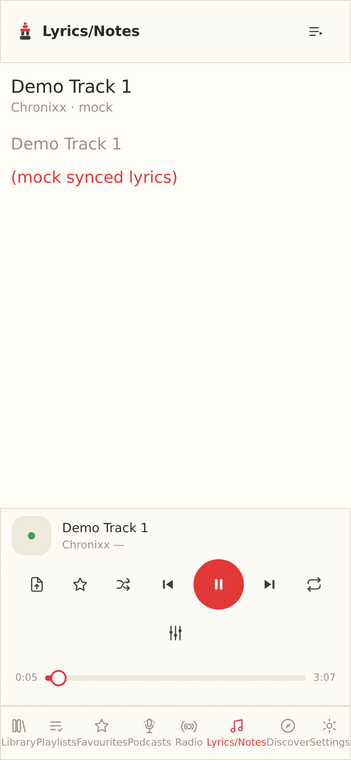
JahSing 3 pulls synced lyrics (and plain text) from lrclib.net and scrolls them with the track. The old Google / LyricWiki scraping that JahSing 2 relied on is long gone; this replaces it cleanly.
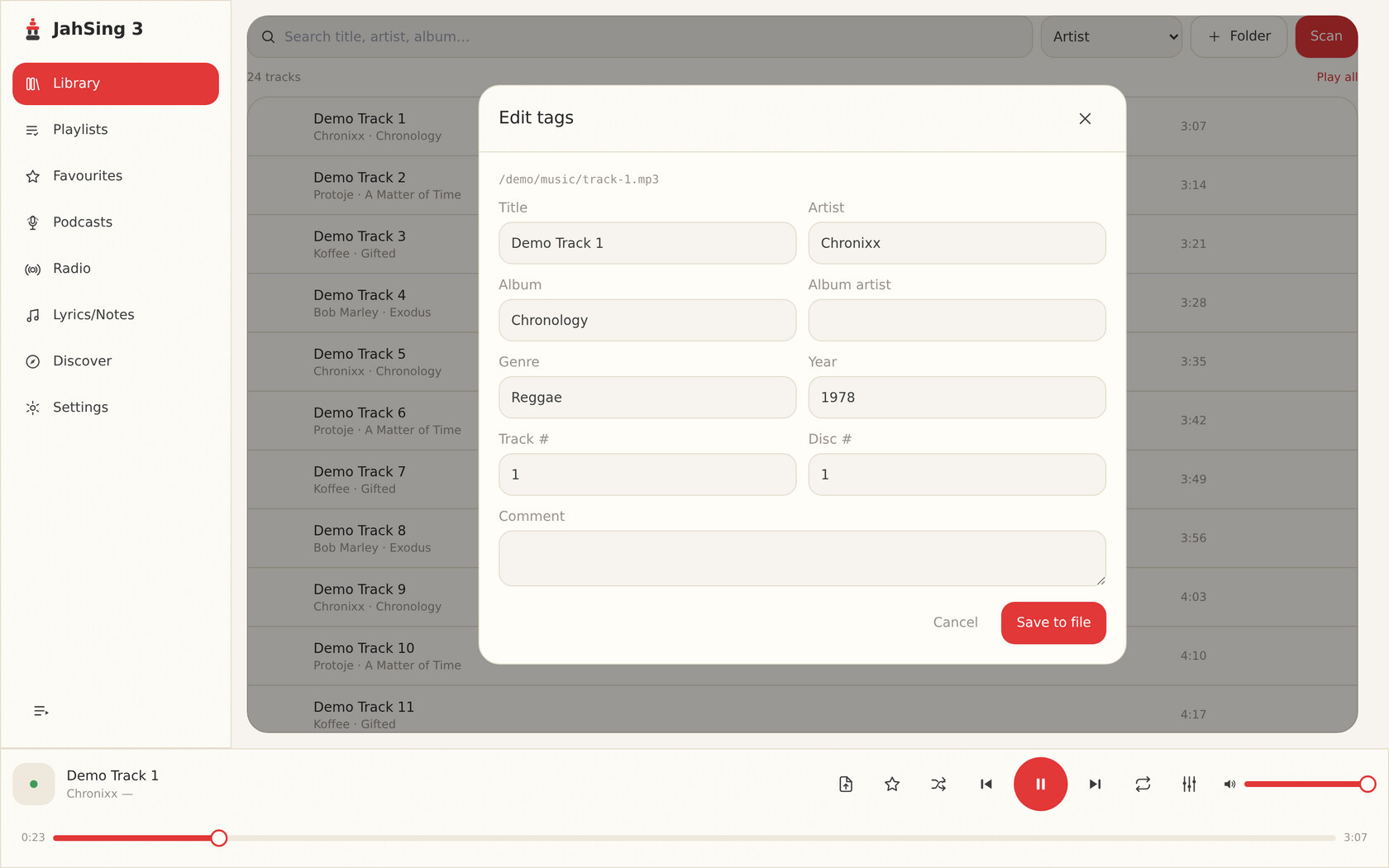
Edit title, artist, album, album-artist, genre, year, track and disc numbers and comments, written back cleanly for all the common formats (ID3, Vorbis comments, MP4).
Missing artwork falls back to the MusicBrainz Cover Art Archive.
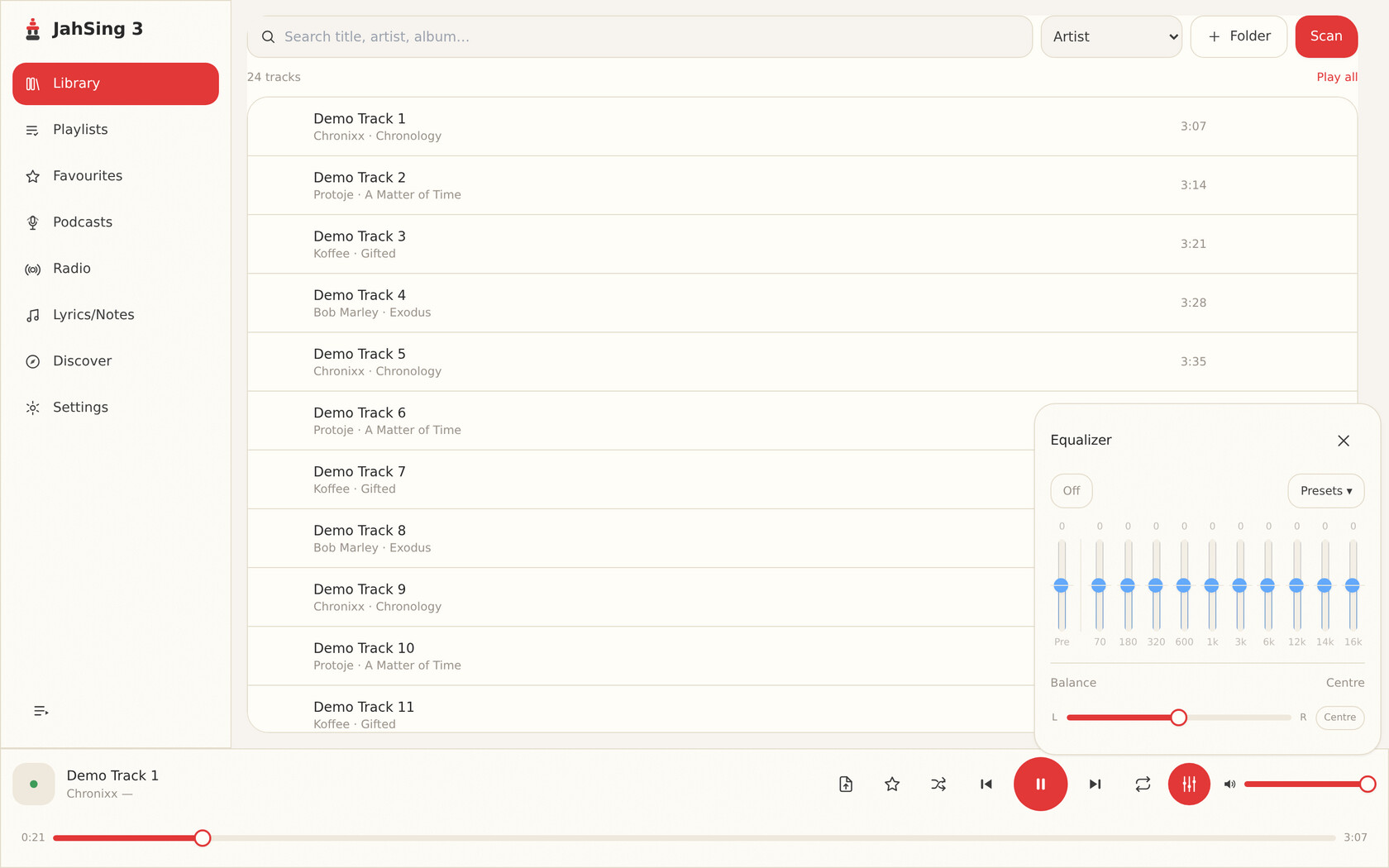
A graphic equaliser (ten bands plus preamp) applied to playback itself, with presets and a custom curve. Stereo balance is a separate stage that carries across track changes, Winamp-style.
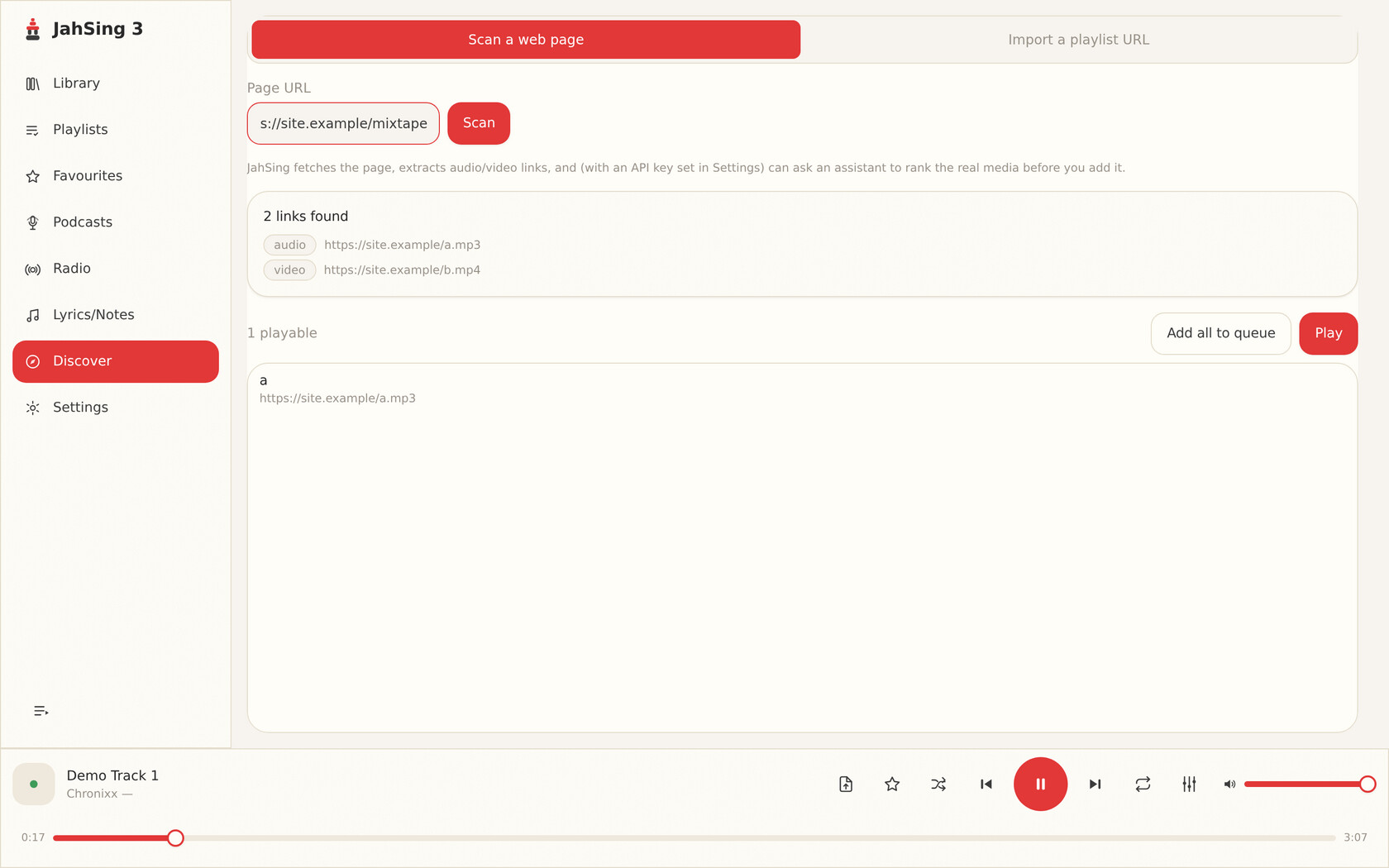
Point JahSing 3 at a radio station’s stream link or a podcast’s RSS feed and it resolves straight to a playable track in your queue. Import remote .pls / .m3u playlist files the same way, whether they came from a radio directory, a podcast app, or your own collection.
And more
Play video in an inline stage or detach it to its own always-available window with Ctrl+Shift+V, tuned to stay smooth on Linux.
.mod, .xm, .s3m and .it tracker modules play back with pattern and sample info, a direct descendant of JahSing 2’s module support.
Full .wsz support: main, EQ and playlist windows, marquee animations, windowshade. More →
System media keys, OS media-session integration (lock-screen and now-playing controls), and in-app shortcuts for everything.
No telemetry, and your library never leaves your device. The core player works fully offline on every platform; a jahsing.com account is optional and unlocks advanced features.
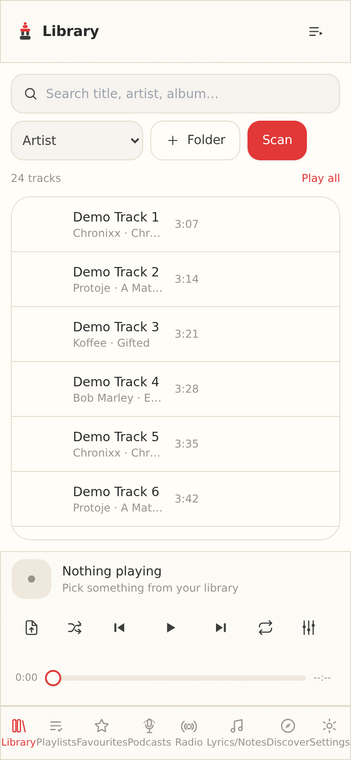
The same feature components render in a multi-pane desktop shell and a bottom-nav mobile shell, so there’s no separate mobile app to fall behind.
Get started
JahSing 3 is free to use and local-first, with advanced features available by subscription. Desktop builds for Windows, macOS and Linux are ready now. Grab the one for your platform.