A full inline stage
Video plays right in the main window, full-bleed, with the same transport bar, queue and keyboard shortcuts as audio — no separate player to learn.
Video
Video plays through the same engine and the same queue as everything else in JahSing 3 — full-bleed in the main stage, or detached into its own always-available window with one shortcut.
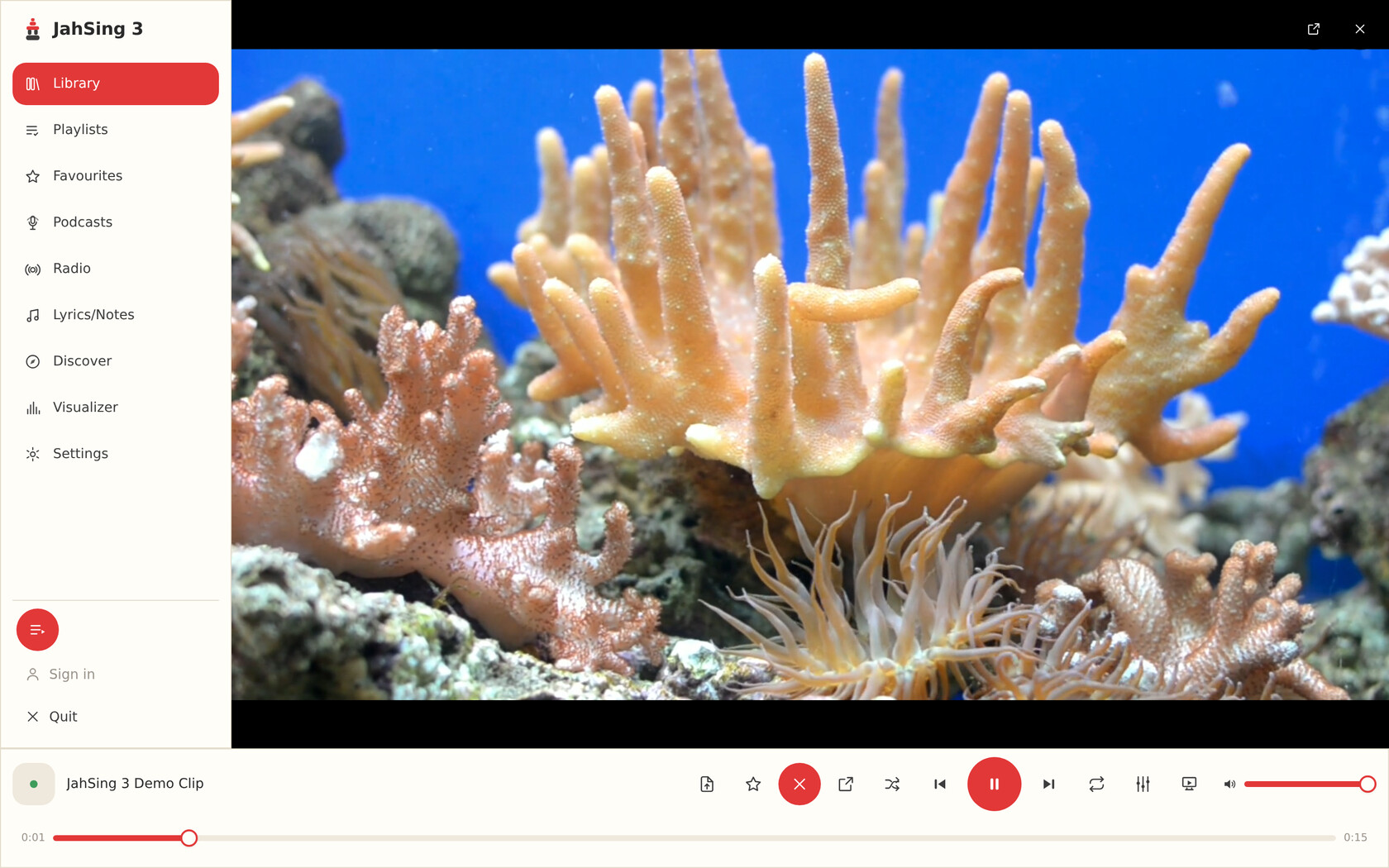
The inline stage — video takes over the content area with the same transport bar as any other track.
How it works
Video plays right in the main window, full-bleed, with the same transport bar, queue and keyboard shortcuts as audio — no separate player to learn.
Detach video into its own small, resizable, always-available window. Playback keeps going without a hitch — browse the rest of your library, radio or podcasts while it plays alongside.
Toggle between the inline stage and the detached window instantly, tuned to stay smooth on Linux — no menus to dig through.
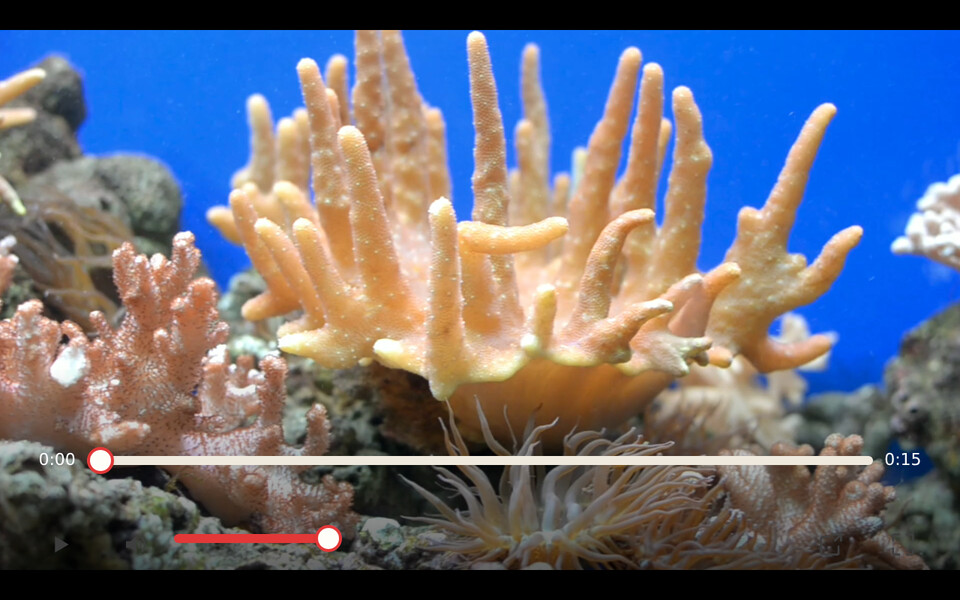
Always available
The detached window is a real second window, not a picture-in-picture trick — resize it, move it, and keep it on top while you search the library, queue up a podcast, or tweak the equaliser in the main window behind it.
Press the shortcut again, or the pop-in control in the window itself, and playback hands straight back to the inline stage from exactly where it left off.
Supported files
JahSing 3 reads duration, frame size and codec straight out of MP4 and Matroska files; other common containers still play, picking up their details once the first frame loads.
The inline stage plays on every platform — Windows, macOS, Linux and Android. The detached pop-out window is a desktop feature, available on Windows, macOS and Linux.
Get started
JahSing 3 is free to use and local-first, with advanced features available by subscription. Desktop builds for Windows, macOS and Linux are ready now. Grab the one for your platform.