What Works Offline: Using JahSing 3 on a Plane or Without Wi-Fi
The Wi-Fi on the plane is slow. The mountain cabin has no signal. The train goes through a long tunnel. Streaming apps stop in these places, and you are left in silence. A local-first player is different, and JahSing 3 was built that way. This guide lists what works with no connection, what does not, and a short checklist to prepare before you leave.
The short answer
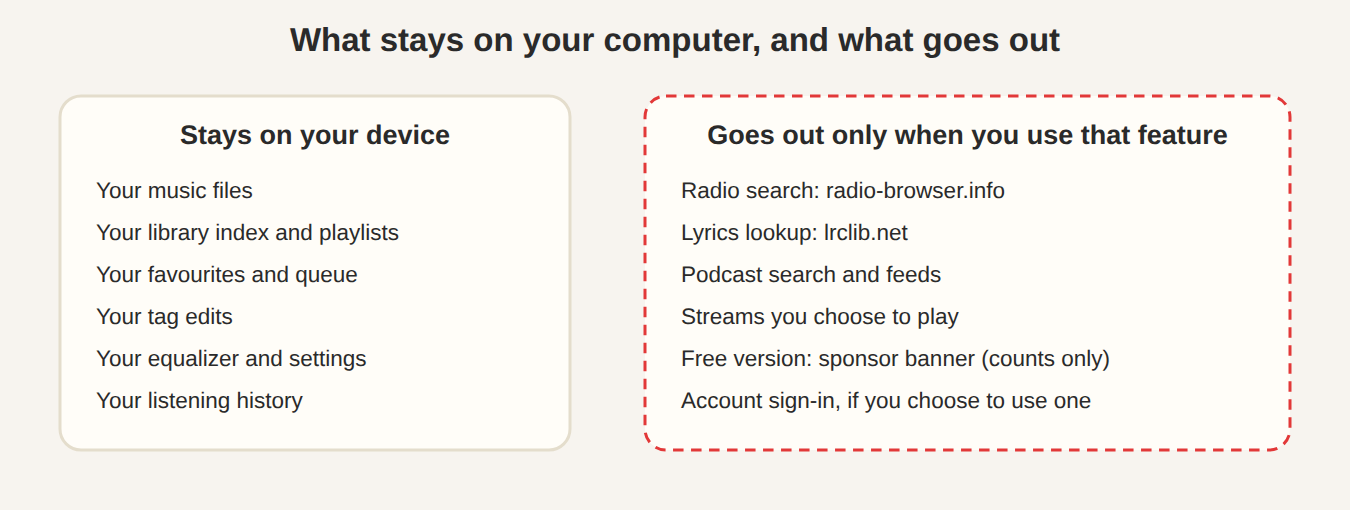
Everything to do with your own music files works offline. The Features page describes JahSing 3 as local-first with no telemetry, and the privacy policy says the core player works fully offline, without an account. Features that depend on other people’s servers, such as radio and podcast search, do not. Here is the detail.
What works with no connection
- Playing your own music. MP3, FLAC, Ogg, WAV, AAC and M4A files, from your library. Also tracker modules and local video files.
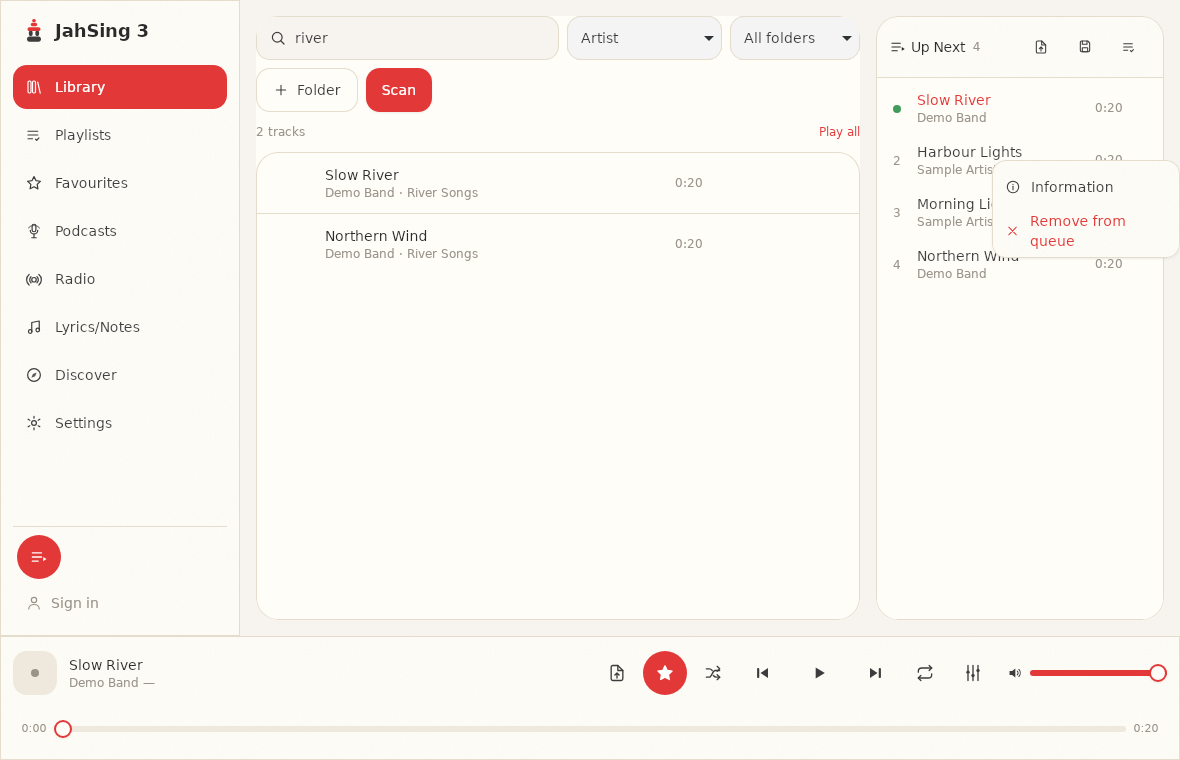
- Your library. Search, sort, the folder filter and the Play all link read from the index on your device.
- The queue, including Play next, Add to queue, shuffle and repeat.
- Playlists. Playing them, saving the queue as a playlist, importing and exporting playlist files.
- Favorites. Starring songs and playing your favorites.
- The equalizer and balance. All ten bands, the presets and the balance control.
- The tag editor, for viewing and fixing song details.
- Track information, the window that shows format, bitrate and so on.
- Classic skin mode, and the keyboard shortcuts in it.
- Pop-out video, for video files on your device.
- Lyrics that are already on the device. Lyrics stored in the song file, and results that JahSing 3 has already looked up and saved, are shown without a connection.
What needs a connection
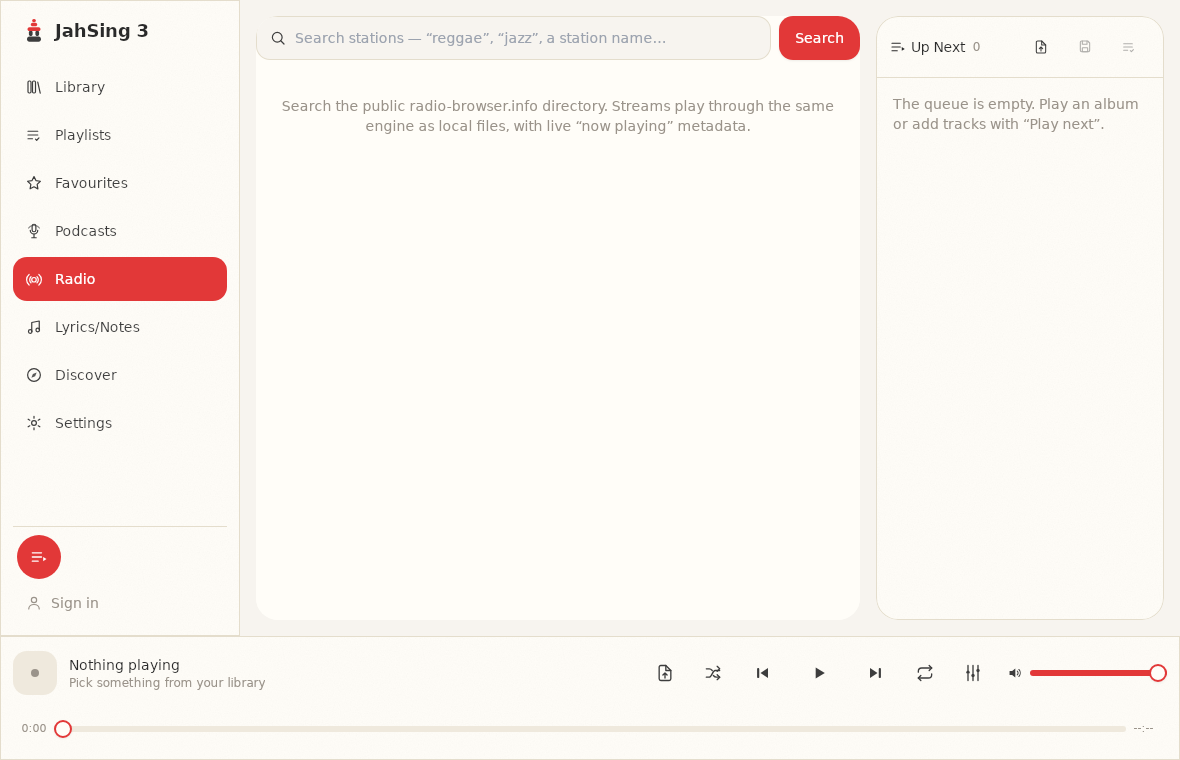
- Internet radio. Searching the station directory and playing a stream both need the internet. There is no way around that.
- Podcasts. Searching, subscribing, refreshing a feed and playing an episode all need a connection, since episodes are streamed from the show’s server.
- Looking up new lyrics. A lyric search for a song that is not already saved goes to the LRCLIB service.
- Discover. Fetching a web page or a playlist from an address needs a connection.
- Signing in. If you use an account, signing in is online.
- The free version’s sponsor banner. It is fetched from the internet. When you are offline, it simply does not appear.
- Downloading the app and its updates.
What happens when you are offline
JahSing 3 is designed so that a missing connection does not break the parts that do not need one. The code behind features such as the sponsor banner and lyrics lookup is written to give up quietly if the network is not there, rather than freezing or showing a large error. You may see a short note that a search failed, or an empty result, but the player stays usable. If something online seems stuck, you can carry on playing local music.
A note about Pro and offline
If you have a Pro subscription, the app remembers your plan locally. According to the project’s code notes, it also checks the plan’s end date on your device, so that a stale saved profile cannot keep paid features switched on after the paid period ends, even while you are offline. In practice, that means a long trip does not switch Pro off early, but an expired plan is noticed even without a connection.
Some Pro features, such as turning audio into captions, run on your device rather than on a server, according to the app’s own messages. We cover the free and Pro differences in a separate article on what the free version does and what a subscription adds.
Before you leave: a checklist
- Put the music on the device you will use. Copy the albums to your laptop or phone. Streaming from a home network will not work in the air.
- Scan the folder so the library knows about the new files, and check the “indexed X of Y files” line.
- Play a couple of songs to be sure that sound and tags are right.
- Build your queue or playlist in advance. The queue is not kept when the app closes, so save it as a playlist if you want to keep it. See our guide to using the queue.
- Fix tags and look-ups before you go. If you want lyrics for certain songs, open the Lyrics page for each one while you are still online, so that the result can be saved. We cannot promise this for every song, so try it and check it works for your files.
- Switch off the equalizer or set it how you like it. Settings stay as you leave them.
- Charge the device, and bring headphones.
- Test with airplane mode. Switch on airplane mode at home and try playing, to see that everything you care about works.
Podcasts on a plane
This is the one people trip over. Podcast episodes in JahSing 3 are streamed, not saved on the device. If you want to listen to a show on a trip, there is no download button for Podcasts, however, a quick way to catch up, is to favorite the podcast episodes you can’t listen to now, then you can catch up later when you have a full internet connection, by clicking on Favorites.
Radio on a plane
Radio streams need a live connection, and plane Wi-Fi is often too slow or too costly. Do not count on it. Bring music files instead.
Video offline
Local video files work offline, and the pop-out video window does too. On Linux, video also depends on the codec plug-ins from your system, which you should install while you are online. Our article on installing on Linux explains.
Why local-first matters here
Streaming services keep your music on their servers and lend it to you. If the connection drops, or the service changes, the music goes. A local-first player turns that around: the music is yours and sits on your device, and the internet is an optional extra. That is the idea behind JahSing 3, explained in our article on what local-first means. A plane is where it shows.
In short
Your own music, your library, playlists, favorites, equalizer and tag editing all work with no connection. Radio, podcasts, new lyric look-ups and the sponsor banner need one. Prepare by copying music across, scanning, saving your queue as a playlist and testing in airplane mode. You can download JahSing 3 from the Downloads page.
Sources: JahSing Features; JahSing 3 Privacy Policy; the JahSing 3 app and its project notes. We did not run the app on a plane. Our desktop test system could not reach most online services, and the player carried on normally, and the rest was read from the app’s design.