Why Genre, Year and Disc Numbers Matter More Than You Think
When people tidy their music, they fix titles and artist names first. That makes sense, because those are the words you see. But a handful of smaller fields, such as genre, year, track number and disc number, quietly decide how your collection sorts, groups and plays. Skip them and you get a double album that plays side two first, or a “Greatest Hits” disc scattered across a dozen artists. This article explains what each field does and how to fill it in with JahSing 3.
Where these fields live
Every song file carries a small label, called a tag, that holds details about the song. JahSing 3’s Edit tags window shows these fields: Title, Artist, Album, Album artist, Genre, Year, Track #, Disc # and Comment. Press the Edit tags button that appears when you hover over a song, change what you need, and press Save to file. The changes are written into the song file itself, so they follow it to other players and devices.
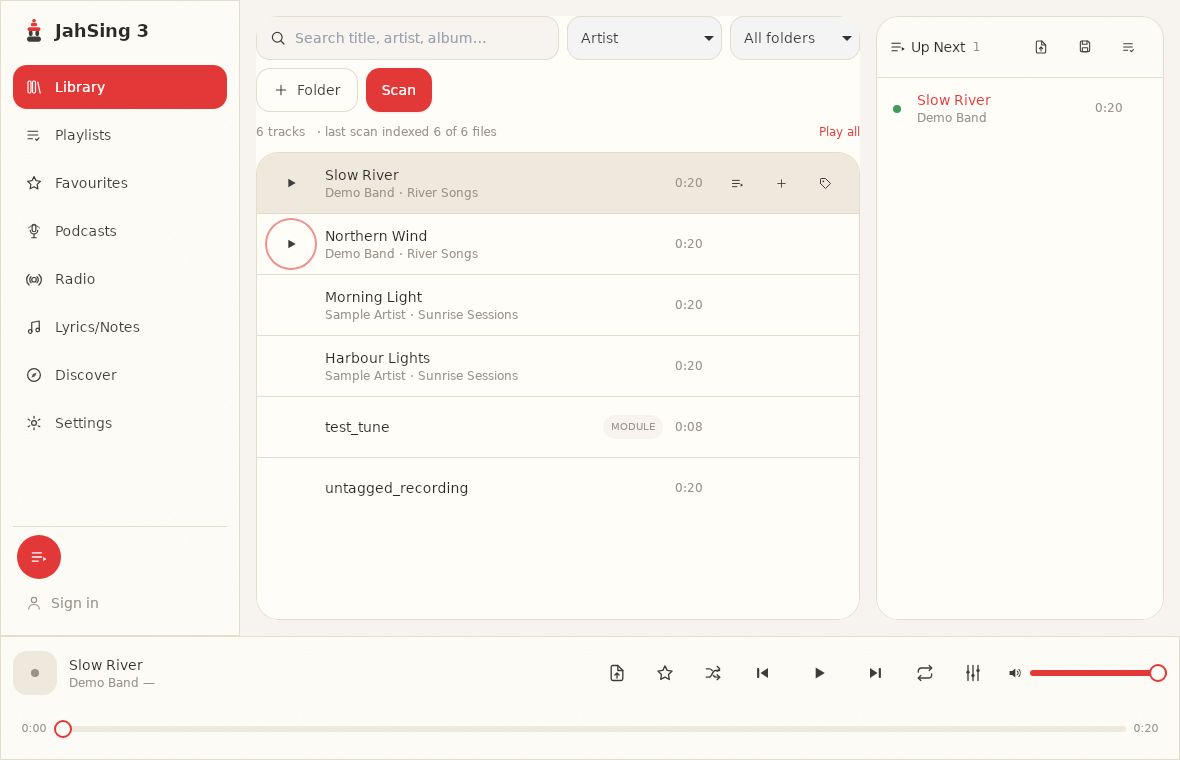
You can also see all of a song’s details without editing. Add the song to the queue, open its menu and choose Information. The Track information window lists the same fields, plus technical details about the file.
Track number: the order inside an album
Track number tells a player where a song sits in its album. Without it, a player may sort songs alphabetically, which puts an album’s songs in the wrong order. A story album or a classical work, which depends on running in sequence, is spoiled when “Epilogue” comes before “Overture.”
- Use the number the song has on the disc: 1, 2, 3 and so on.
- Do not worry about leading zeros. “1” and “01” mean the same to most players.
- Fill in the track number for every song on an album, not just some. One missing number can drop a song to the bottom.
Disc number: for double albums and box sets
Many albums come on two or more discs. Each disc starts counting from track 1 again. Without a disc number, a player sees two songs both labelled “track 1” on the same album and has no way to know which comes first. The usual result is that discs get mixed, with track 1 of disc one, track 1 of disc two, then track 2 of each.
- Put 1 in the Disc # field for songs on the first disc, 2 for the second, and so on.
- For a single-disc album, you can leave it empty or use 1. Consistency matters more than the choice.
- If a box set has many discs, number them in the order they come in the box.
Year: when it came out
The Year field is simple, but people use it in different ways. Decide on a rule and stick to it:
- Original release year. A song first released in 1971 gets 1971, even on a 2015 compilation. This is useful if you like browsing by decade.
- Release year of your copy. A remaster that came out in 2015 gets 2015. This helps you tell remasters from older copies.
Neither is wrong, but mixing them makes the field unreliable. Most collectors choose the original year. The field takes a number, such as 1998, so use four digits.
Genre: a quick way to group by feel
Genre is the most personal field, and the messiest. One person’s “Alternative” is another’s “Indie.” Because it is free text, you can end up with “Hip-Hop,” “Hip Hop,” “Rap” and “Hip-hop/Rap” all describing the same thing. Players and devices that group by genre then show four different folders.
A few suggestions to keep it useful:
- Pick a short list of genres you really use, perhaps ten to twenty, and write them down.
- Use the same spelling every time. Capital letters and hyphens count.
- Use one genre per song. It is easier to group.
- Do not agonize. If you cannot decide, pick the broader one. “Folk” is better than a blank.
Album artist: the field that keeps compilations together
This one is not on your list, but it belongs with the others. The Album artist field says who the album belongs to, even when individual songs have different artists. On a compilation, every song might have a different artist, but the album artist should be “Various Artists.” That way the album stays together in one piece rather than scattering across dozens of artists. Our guide to fixing missing tags and album art covers this in more detail.
Comment: your own notes
Comment is a free box for anything you like, such as “ripped from my own CD” or “live at the town hall.” Nothing depends on it, so use it however helps you.
Why bother? What actually changes
It is fair to ask what you really gain. In JahSing 3, the library’s search box looks at title, artist and album, and the sort menu offers artist, title and recently added. Genre, year and disc number are stored in your files and shown in the Track information window. Their main payoff is in everything else that touches your files:
- Other players and apps that group by genre, decade or disc.
- Phones, car stereos and MP3 players that sort albums by track and disc number.
- Playlist and library tools you may use later.
- Future you, who will be glad the data is in the file and not trapped in one program.
That is one of the quiet benefits of tags. They live in the file, so they outlast any one player.
A quick routine for a new album
- Add the folder and scan, as described in our guide to setting up your library.
- Check each song with the Information window for missing genre, year and numbers.
- For each song, open Edit tags and fill in the gaps. Use the same values for the whole album: same album name, album artist, genre and year, with the right track numbers.
- Press Save to file.
- Play the album in order from the queue to check it feels right.
A caution about changing files
Saving tags changes the song file itself. Keep a backup of your music folder before a big editing session, and work on a few albums first to be sure you are happy with the results.
In short
Title and artist tell you what a song is. Track number, disc number, year, genre and album artist tell the rest of your music setup how it all fits together. Fill them in once, in the file, and they will serve you in every player you ever use. You can download JahSing 3 from the Downloads page.
Sources: ID3v2.4 frame specification (track, disc, year and genre fields); MusicBrainz Picard tag documentation; JahSing Features; the JahSing 3 Edit tags and Track information windows.