How to organise a large local music library
Streaming made it easy to forget that a personal music collection is a small database you maintain yourself. If you have ripped CDs, bought downloads, or inherited a drive full of files, the difference between a library you enjoy and one you dread opening comes down to a few decisions made early. This guide lays out a system that scales from a few hundred tracks to a hundred thousand.
Decide what is the source of truth
Every file has two kinds of information: where it lives (its folder and file name) and what it says about itself (its tags). Players differ in which they trust. The safest rule is to make tags the source of truth and treat the folder structure as a convenient, predictable shell around them. Tags travel with the file when you copy it to a phone or a USB stick; folder names do not.
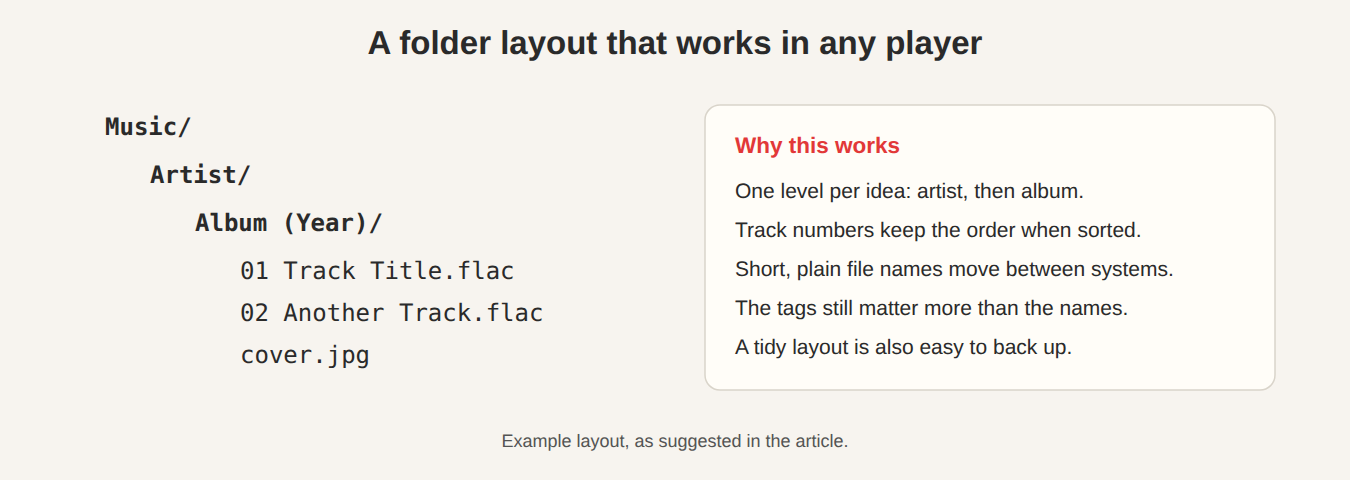
A folder layout that works everywhere
Keep it boring and consistent:
Music/
  Artist/
    Album (Year)/
      01 Track Title.flac
      02 Another Track.flac
Compilations and soundtracks go in a single folder named for the release, with the album-artist tag set to “Various Artists”. Avoid putting everything in one flat folder: it works until it doesn’t, and file managers slow to a crawl past a few thousand entries.
File names: short, sortable, safe
- Start with a zero-padded track number (
01,02) so files sort in album order in any file manager. - Avoid characters that some systems reject:
/ \ : * ? " < > |. Replace them with a hyphen or drop them. - Keep total paths comfortably under 250 characters. Older Windows APIs choke beyond that.
- Do not rely on upper or lower case to distinguish files; Windows and macOS treat them as the same name by default.
The tags that matter
You can tag dozens of fields, but a library behaves well when these are right:
- Title and Track number (and Disc number for multi-disc sets).
- Artist for who performs the track, and Album artist for who owns the album. This pair is what keeps compilations from exploding into hundreds of one-track albums.
- Album and Year.
- Genre, used sparingly. Ten consistent genres are more useful than two hundred creative ones.
- Cover art, embedded in the file or sitting next to it.
JahSing 3’s built-in tag editor writes these fields back to ID3, Vorbis comment and MP4 tags, and it can fall back to the MusicBrainz Cover Art Archive when a release has no artwork, so you can fix a whole album without leaving the player.
Indexing instead of re-scanning
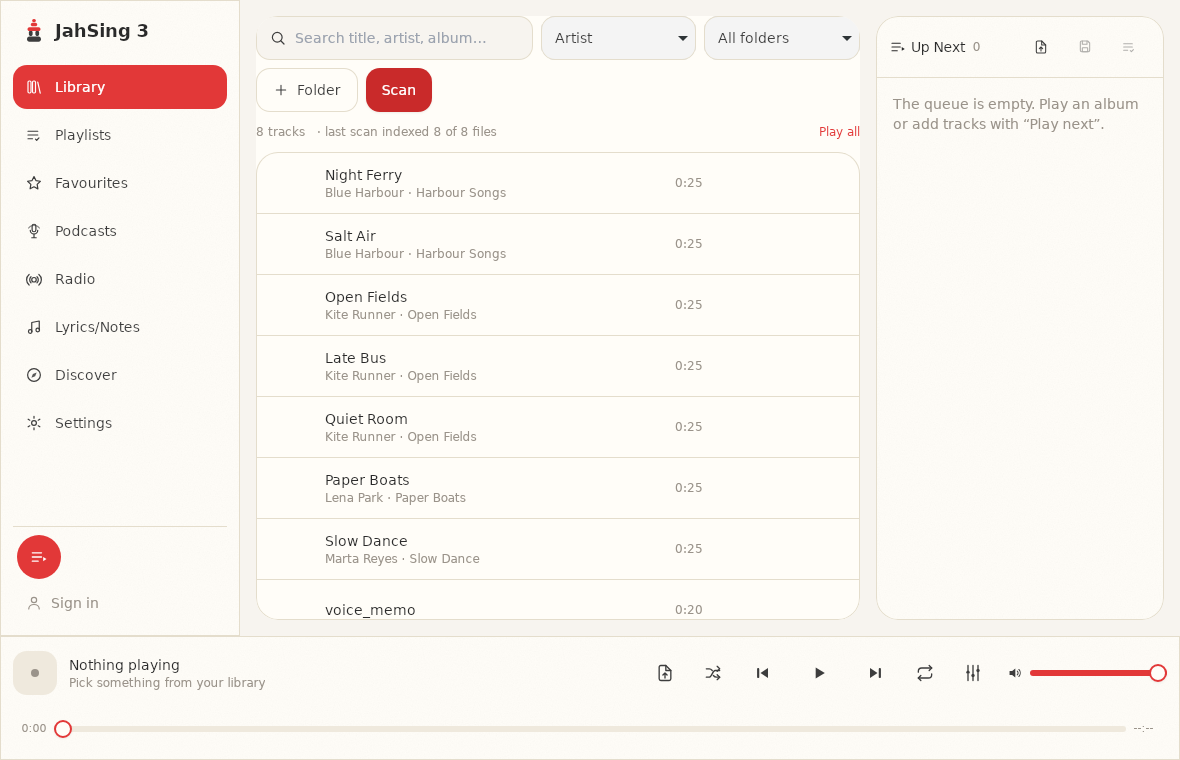
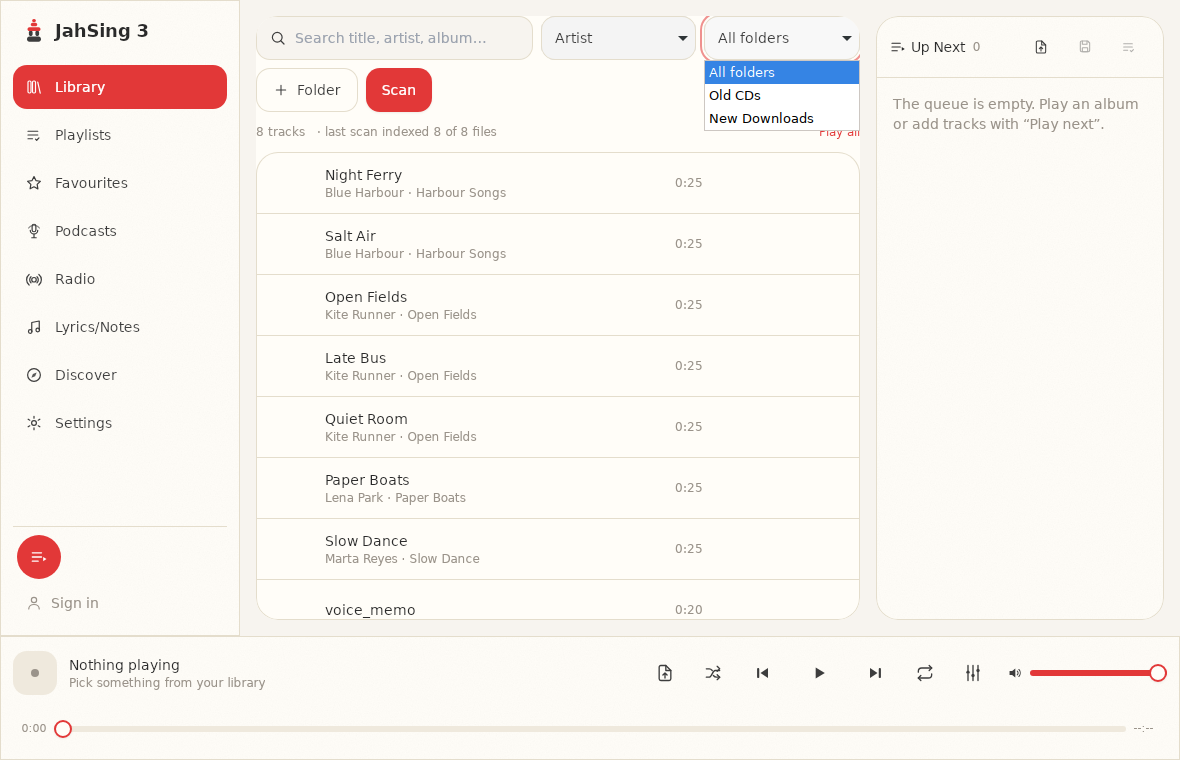
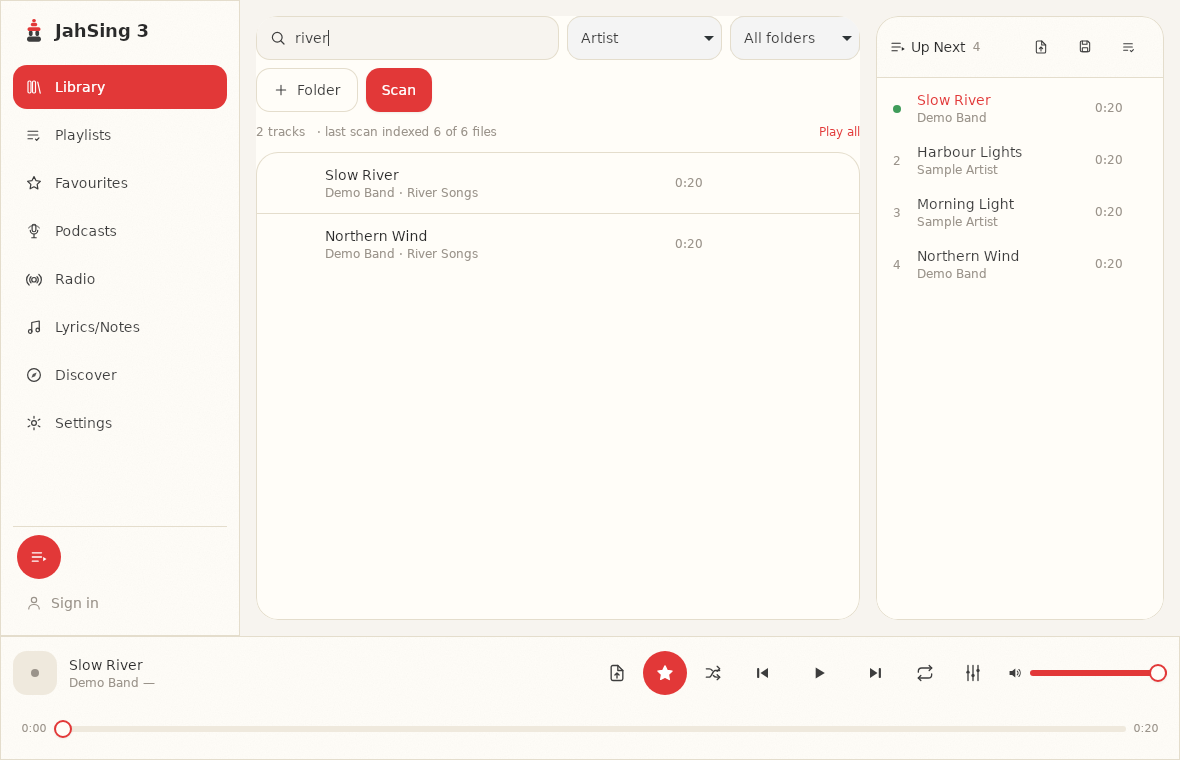
A good player builds a catalogue once and then queries it. In JahSing 3 you point the app at your folders, it indexes them into a local catalogue, and search, sorting, filtering by source folder, playlists and favourites all read from that index. That means a big library opens quickly, and it also means your folder structure can stay simple: the app, not the file manager, does the heavy lifting.
Handle duplicates early
Duplicates creep in from re-downloaded albums and merged drives. Before you reorganise, group files by album-artist and album, then compare track counts and total durations. If two copies are identical, keep the one with the better format and cleaner tags. If they differ (a remaster against the original), keep both but make the album tag or year distinguish them.
Keep a short maintenance routine
- When you add a new album, tag it before moving it into the library, not after.
- Once a quarter, sort by “recently added” and review the last batch for typos or missing art.
- Back up the whole folder. A library you cannot restore is a library you do not own. See our guide to backing up your music library.
The short version
Pick one layout, tag accurately, set album-artist, and let an indexed player do the searching. An hour of cleanup now saves you from re-doing the work every time you change players.